Elevate Your Visuals with Premium Blur Backgrounds
In the fast-paced world of digital design, establishing a distinct visual hierarchy is crucial. While typography and layout often take center stage, the foundation of your composition—the background—plays an equally vital role. For designers, marketers, and content creators looking to add depth and sophistication to their projects, a high-quality asset pack like this collection of Blur Backgrounds is an indispensable resource. These aren't just simple gradients; they are carefully crafted textures designed to provide a professional backdrop that enhances, rather than distracts from, your primary content.
The Visual Appeal and Artistic Quality
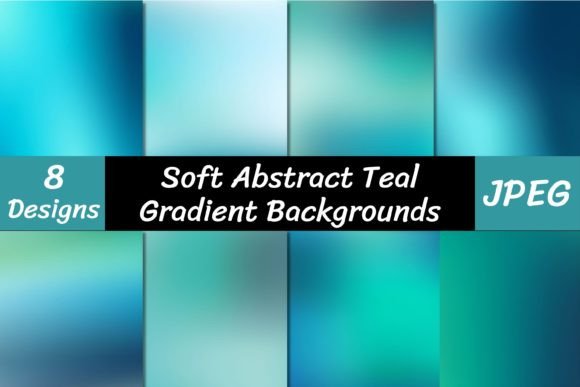
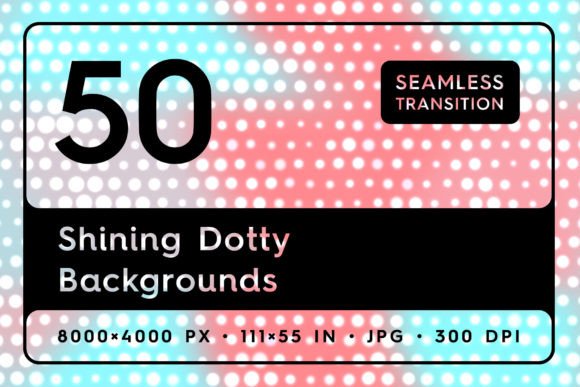
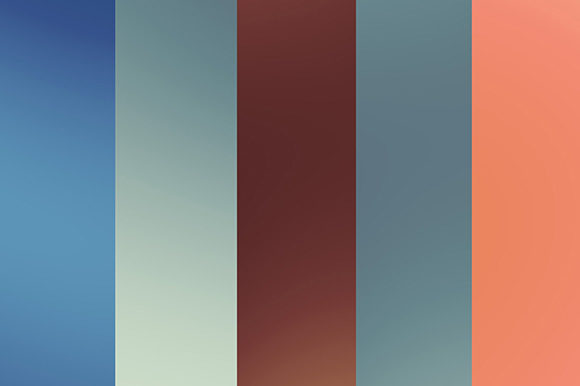
This pack contains 10 distinct blur backgrounds, each with a resolution of 3300x3300 pixels in JPG format. The high resolution ensures they remain crisp and detailed even when used in large-scale print projects or high-definition digital displays. The visual style is a sophisticated blend of abstract and artistic elements. You'll find multicolor designs that evoke a sense of digital holographic paper, alongside more organic watercolor paint textures and soft, geometric circles.
The "blur" effect is intentional and masterfully applied. It creates a sense of motion and depth, softening edges and blending colors in a way that feels both modern and timeless. This approach gives the backgrounds a versatile personality—they can feel energetic and vibrant for a tech startup's social media graphics, or calm and elegant for a wellness brand's website design. The artistic style, reminiscent of an art gallery's curated collection, allows these assets to serve as more than just a fill; they become an integral part of the design's emotional tone.
Practical Applications for Every Creator
The true value of a design asset lies in its versatility. These blur backgrounds are engineered to save you time and money across a wide spectrum of projects. Their utility extends far beyond simple wallpaper.
- Branding and Logo Design: Use a subtle, blurred texture behind a clean sans serif or serif logo to add depth and prevent the design from looking flat. This is particularly effective for creating a modern, professional brand identity.
- Website and UI Design: Implement these as hero section backgrounds for landing pages. The blur effect ensures text overlaid on top remains highly readable while the background conveys mood and energy. They work exceptionally well with modern typography pairings.
- Social Media and Marketing: Create eye-catching Instagram stories, Facebook ads, or Pinterest pins. A vibrant, blurred background can make a promotional offer or a key message stand out in a crowded feed.
- Presentation and Editorial Design: Transform a standard slide deck into a compelling visual narrative. Use the backgrounds to frame quotes, highlight data, or set the tone for different sections of a report or magazine layout.
- Product Mockups and E-commerce: Place physical products—like cosmetics, stationery, or tech gadgets—against these textures to create professional-looking lifestyle shots. The abstract quality doesn't compete with the product but instead elevates its perceived value.
- Crafting and Print-on-Demand: The high-resolution JPGs are perfect for creating printable art, custom greeting cards, journal covers, or digital planners. The artistic style lends itself well to creative and hobbyist projects.
Integrating Blur Backgrounds into Your Workflow
Adopting a new design asset should streamline your process, not complicate it. Here’s how to get the most out of this collection. First, consider the visual hierarchy of your project. The background should support your main elements. If you're using a bold, multicolor blur, pair it with simple, clean typefaces—perhaps a geometric sans serif for headings and a highly legible serif for body text. This contrast ensures clarity.
Next, think about color harmony. While the backgrounds are multicolor, you can sample specific hues from the texture to use in your text, icons, or buttons. This creates a cohesive and intentional look, strengthening your overall brand perception. Don't hesitate to adjust the opacity or apply a slight color overlay in your design software to better match your brand's color palette.
Finally, always test your designs in context. A background that looks stunning on your monitor might need slight contrast adjustments when viewed on a mobile device or when printed. The generous 3300x3300px size gives you ample room to crop and reframe without losing quality, making them a flexible and robust addition to your library of design assets. By incorporating these thoughtfully, you can quickly elevate the professionalism of your work, engage your audience more effectively, and maintain visual consistency across all your creative projects.